See what’s playing without switching apps
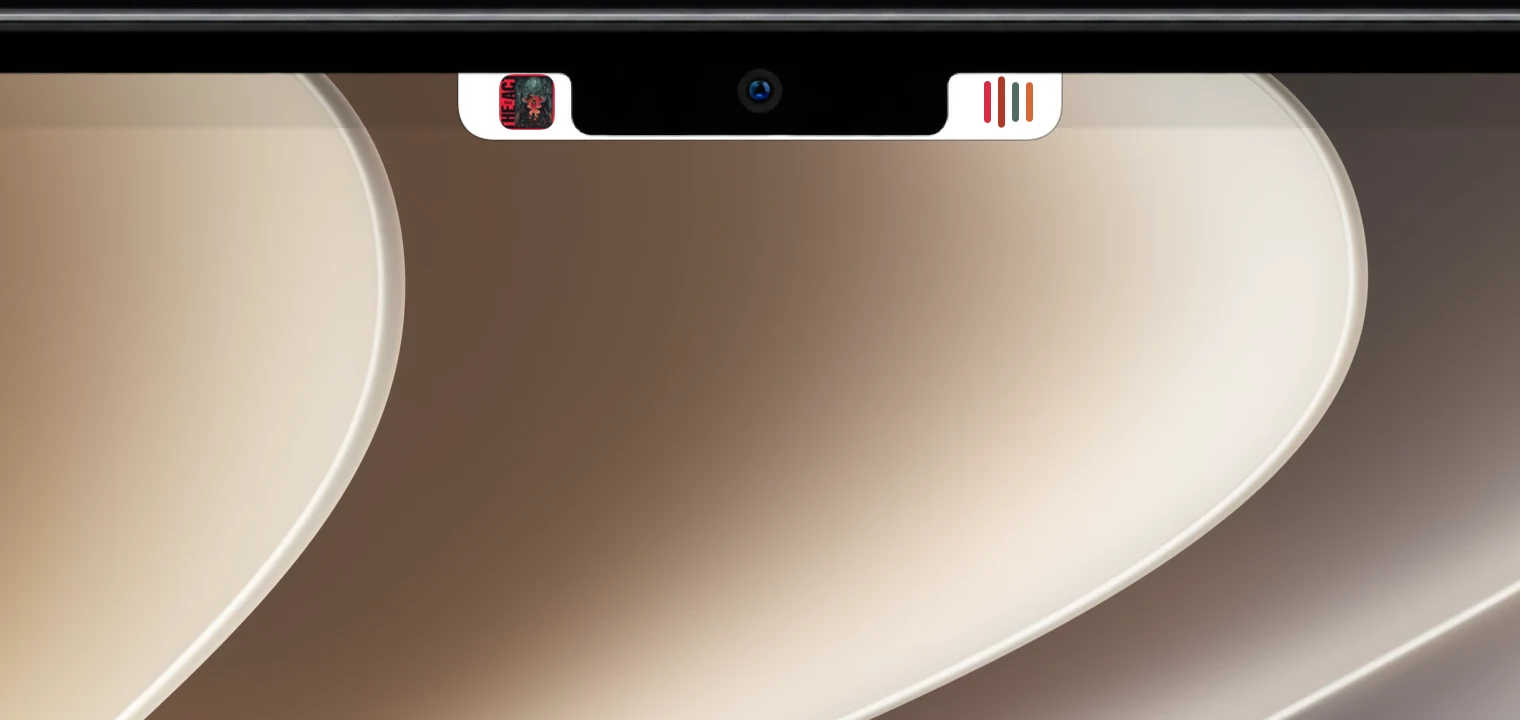
Album art sits beside the camera, with audio bars that pick up the cover’s colors. Works with Spotify, Apple Music and anything macOS lists as Now Playing.
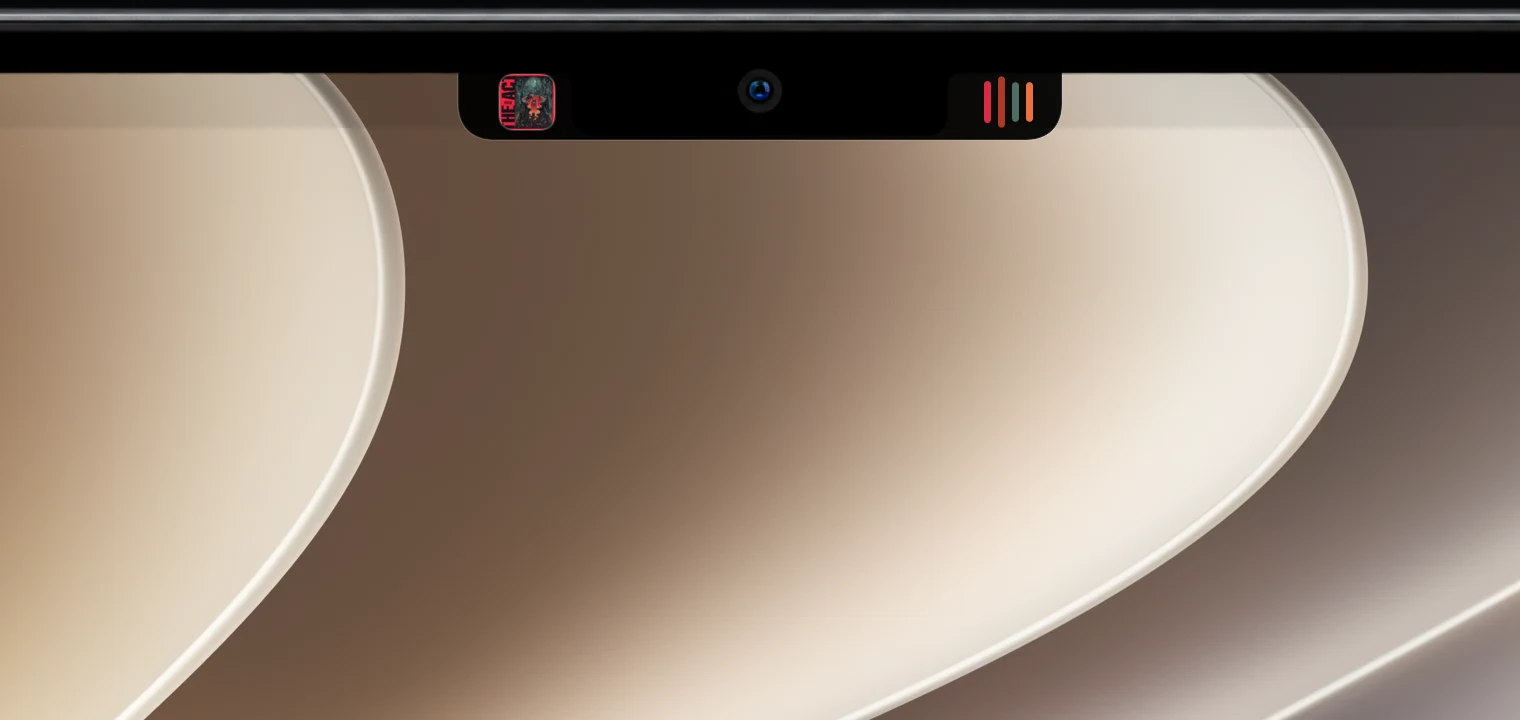
Simple Notch turns the space around your MacBook’s camera into music controls, live weather, and status for your coding agents. It’s there when you hover and quiet the rest of the time.
Hover to peek, click to open, swipe to control. Here’s what lives in the notch.
Album art sits beside the camera, with audio bars that pick up the cover’s colors. Works with Spotify, Apple Music and anything macOS lists as Now Playing.
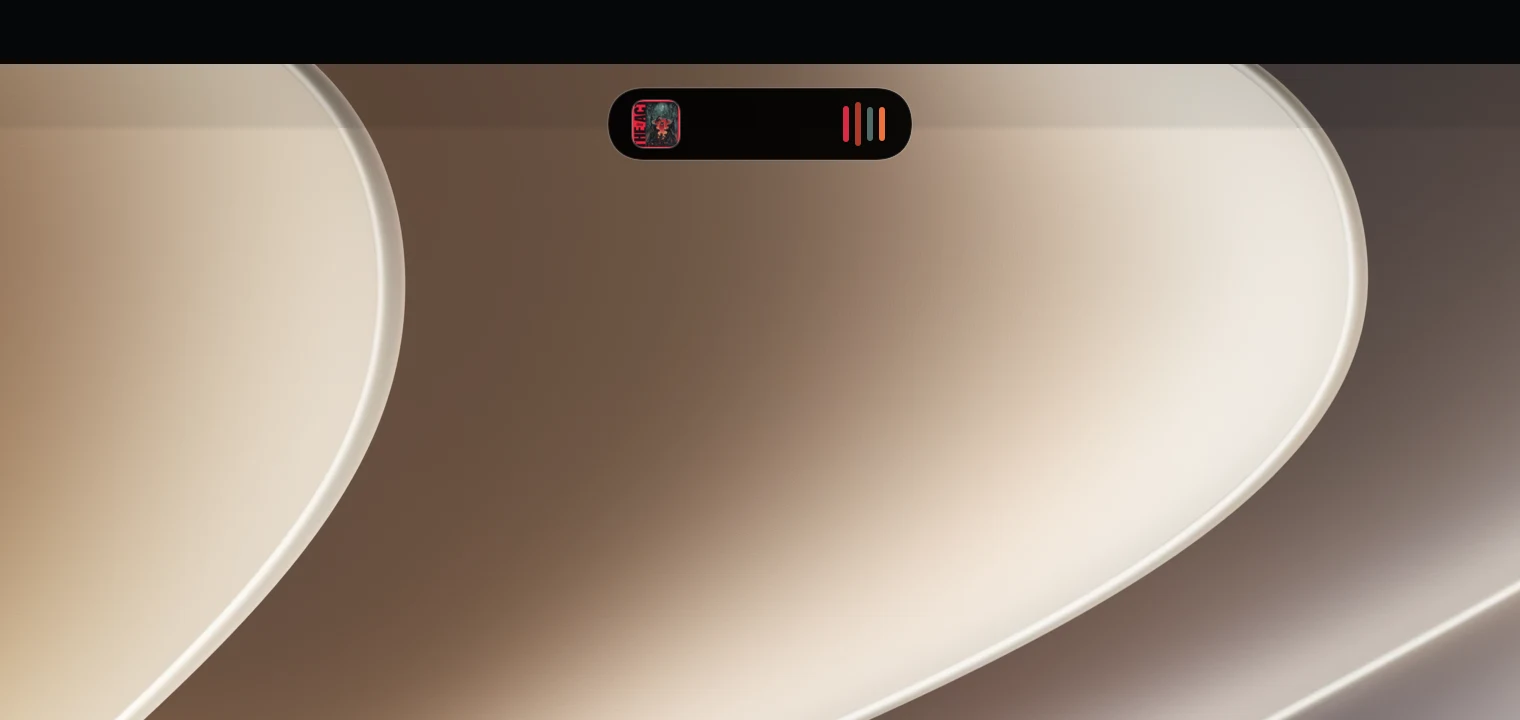
External monitors and Macs without a notch get the same controls in a floating pill. Every display gets its own.
See when Claude Code or Codex is working, waiting for you, or done, plus your usage limits with a warning before you run out.
How coding agents work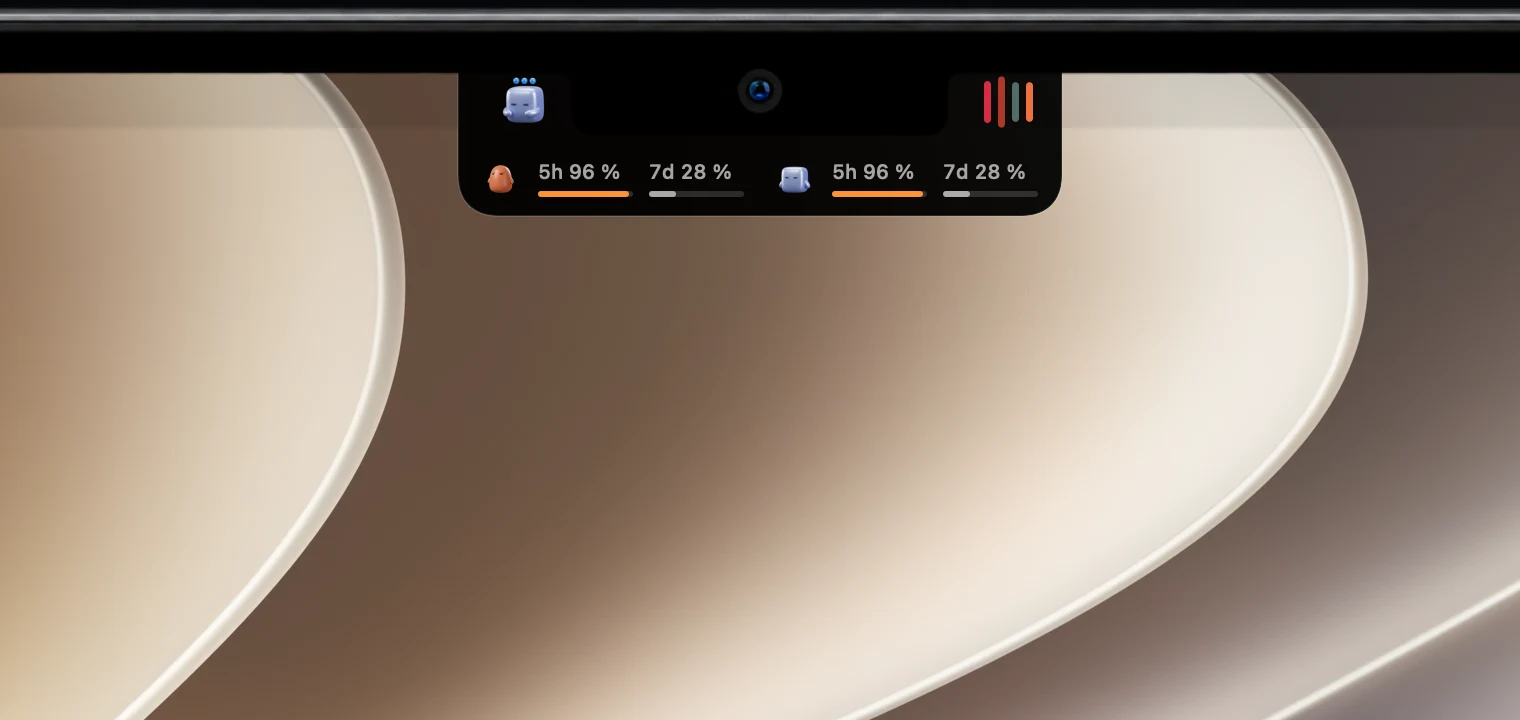
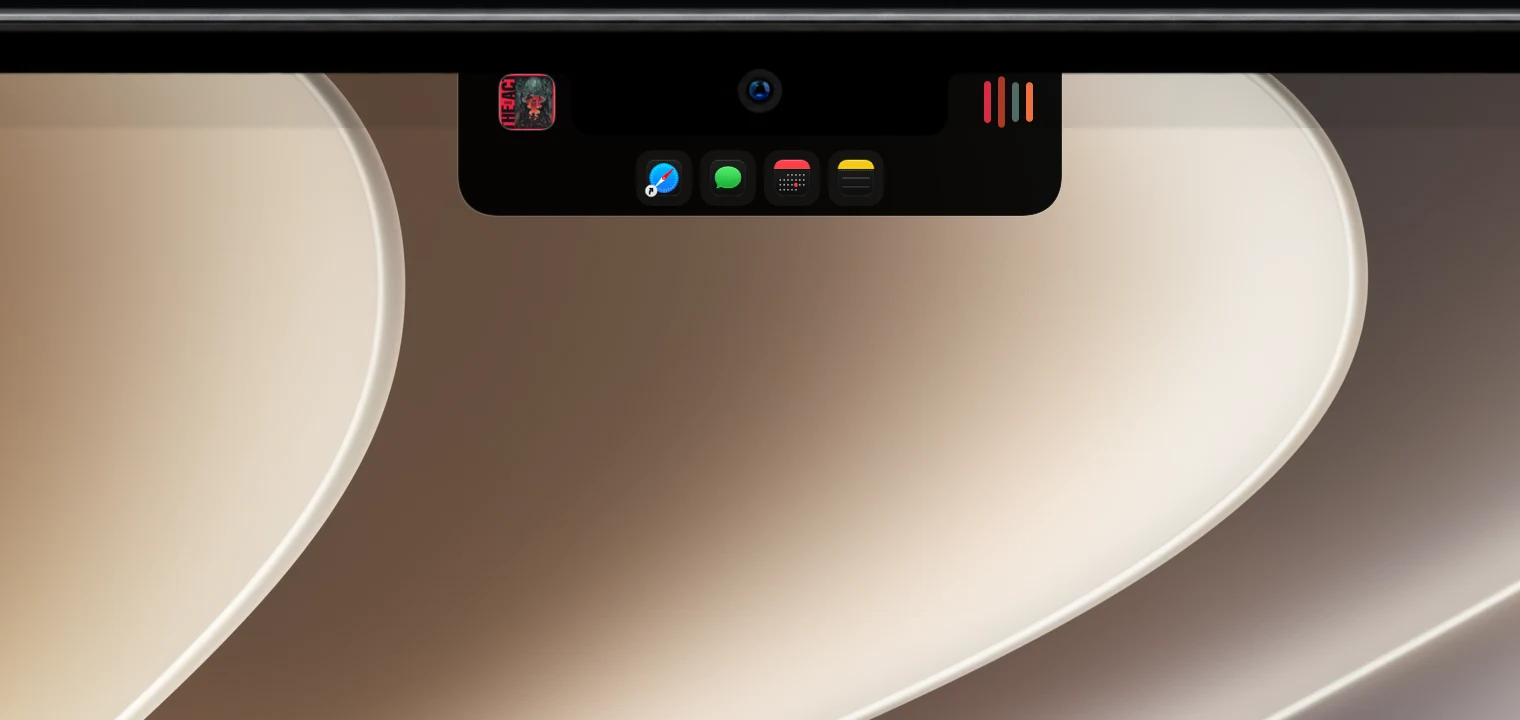
Pin favorite apps to the drawer. When nothing is playing, it can switch to your apps on its own.
Click or pull down to open the full player with bigger artwork, track details, a progress bar and playback controls.
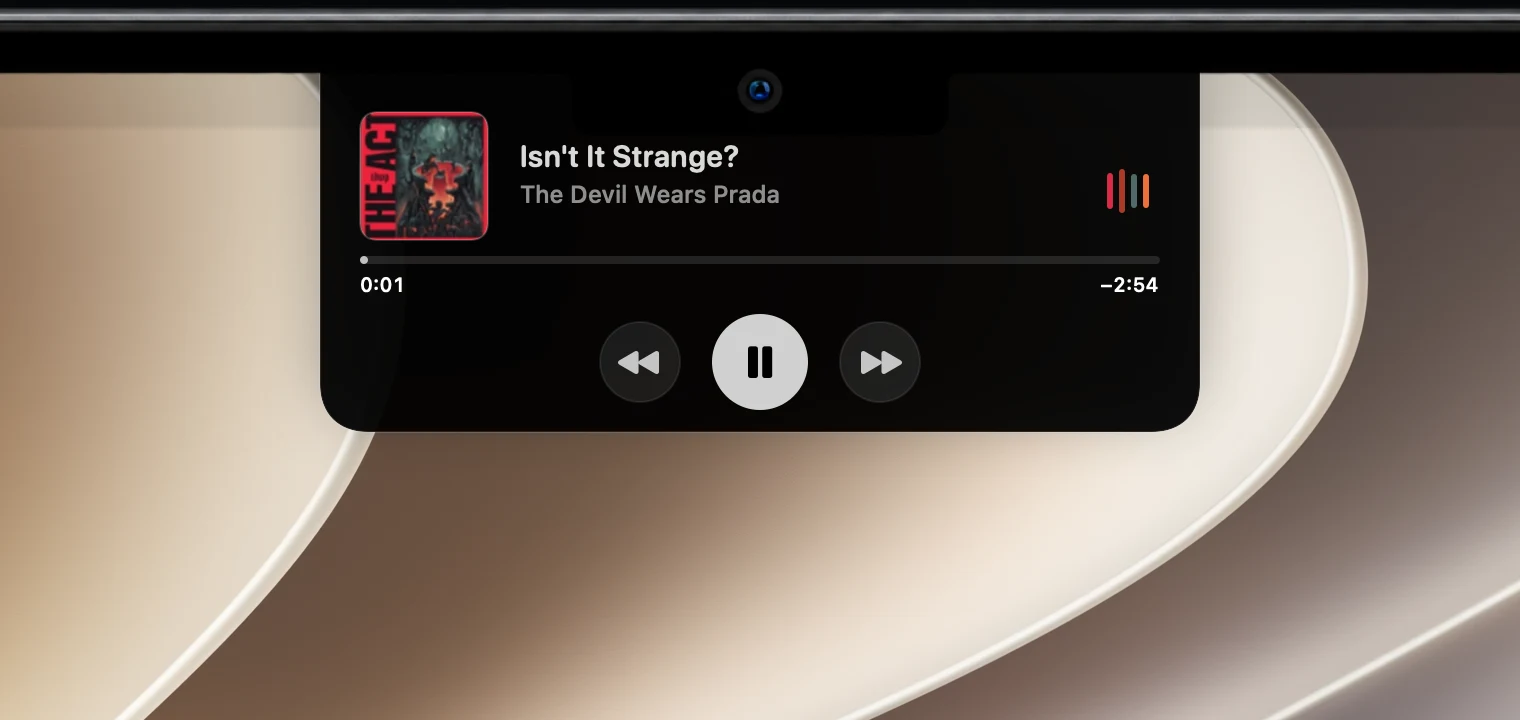
Swipe across the audio bars to change tracks. No clicking, no app switching.
Swipe to move between the compact controls and the full player.
Built to stay out of the way
Plug in a monitor and it gets a floating pill with its own state. Hide it on external displays or while an app is full screen.
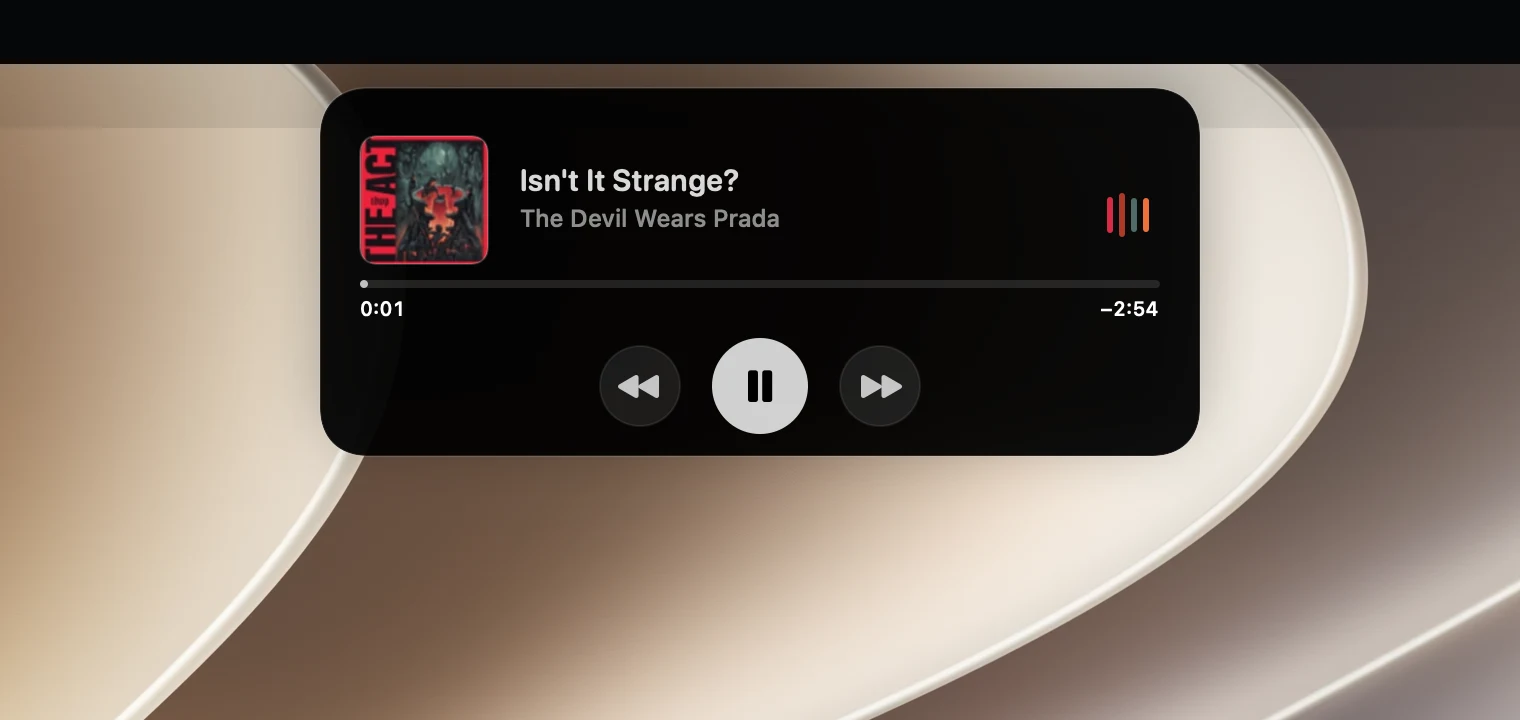
Blend in with the hardware in solid black, or switch to translucent Liquid Glass.
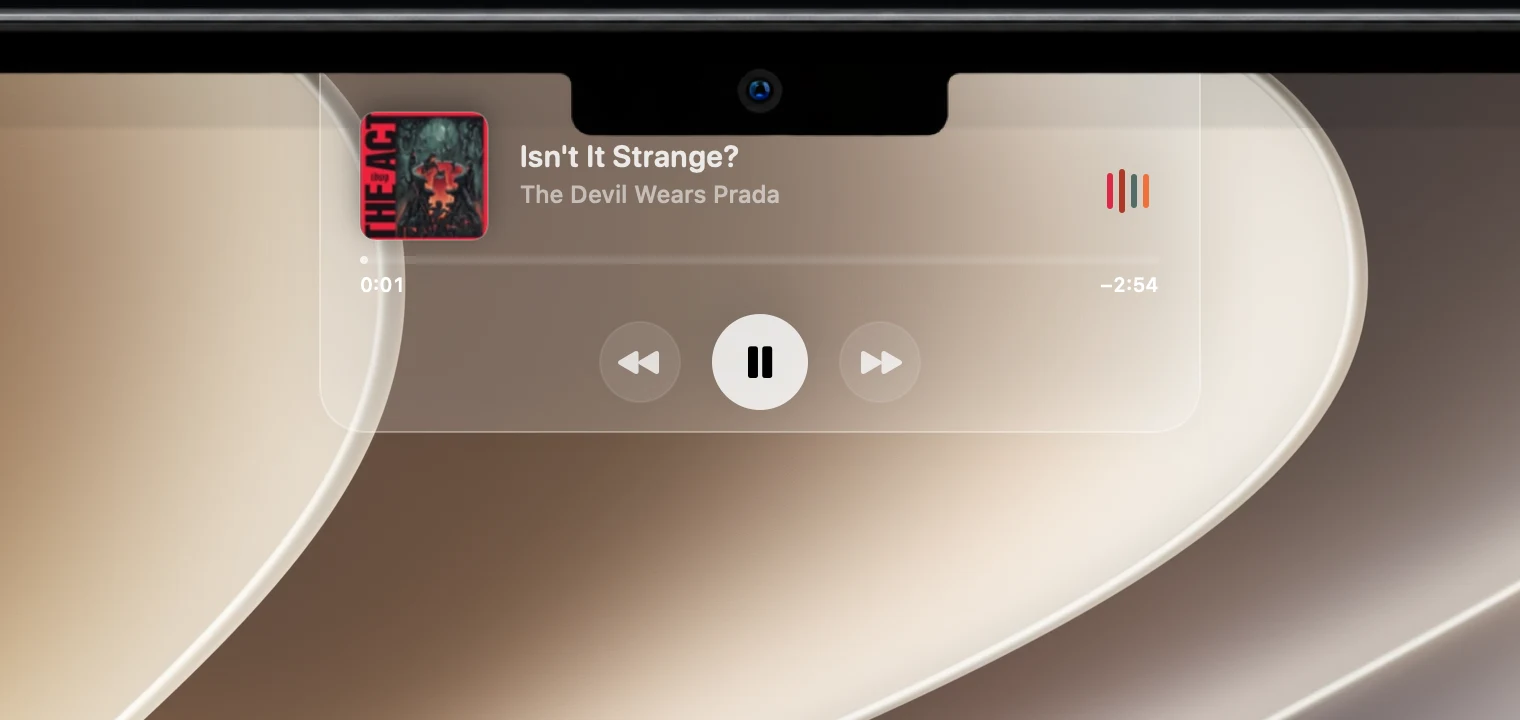
Adjust the width and height until it lines up with your MacBook’s notch exactly. A fit guide shows the outline while you tune it.
Current temperature or UV index for your location or a saved city, in °C or °F. Open the drawer for more.
Change either one and the notch briefly shows the new level.
About 0.3% of one CPU core at steady state in our measurements. Animation stops when nobody can see it and in Low Power Mode.
The reveal becomes a short fade and the audio bars hold still.
Signed updates arrive automatically. You can switch that off in Settings.
No sign-up and no analytics in the app. Your trial and license live in your Mac’s Keychain.
How buying works
FAQ
Simple Notch is a Mac app that turns the notch around your MacBook’s camera into a small status area. It shows what’s playing, the current weather, and whether Claude Code or Codex needs you. Hover to reveal controls; click or pull down to open the full drawer.
Yes. Every connected display gets its own. MacBooks with a notch get a shape that wraps around the camera; external monitors and Macs without a notch get a floating pill at the top of the screen. You can hide it on external displays or while an app is in full screen.
Spotify, Apple Music, and any app macOS lists as Now Playing. Play, pause and skip from the notch, or swipe across the audio bars to change tracks.
It’s the same idea, made for the Mac. The notch becomes a live area that shows what’s happening and expands when you interact with it. Simple Notch keeps it focused on music, weather, coding agents and quick app launching.
Simple Notch is built to stay light. In our measurements its steady-state draw is about 0.3% of one CPU core. Animation stops when it can’t be seen, when Reduce Motion is on and in Low Power Mode, and it checks for track changes less often while hidden.
Download the app and every feature is unlocked for 7 days from the first launch. No account or payment details are needed. When the trial ends, buy a license to keep using it.
Pay once (€9.99) or subscribe yearly (€3.99 per year). Both unlock every feature on up to 3 Macs. Polar handles checkout, tax and receipts.
macOS 14 Sonoma or later. The Liquid Glass look uses the native effect on macOS 26 and a matching material on earlier versions.
Showing what’s playing in every app relies on a macOS interface the Mac App Store doesn’t allow. Simple Notch is distributed directly as a signed, notarized app and keeps itself up to date.
Quit it from the menu bar and move it from Applications to the Trash. If you connected Claude Code, click Disconnect in Settings › Coding Agents first so its hook is removed too.
The app has no analytics and needs no account. Activating a license sends your key and a device name to Polar, which checks it from time to time, and update checks go to GitHub. The privacy policy has the details.
Every feature is free for 7 days. No account, no payment details.
Download free for Mac (opens in a new tab)