Working
The agent’s icon sits next to the camera while it runs. Glance up instead of checking the terminal.
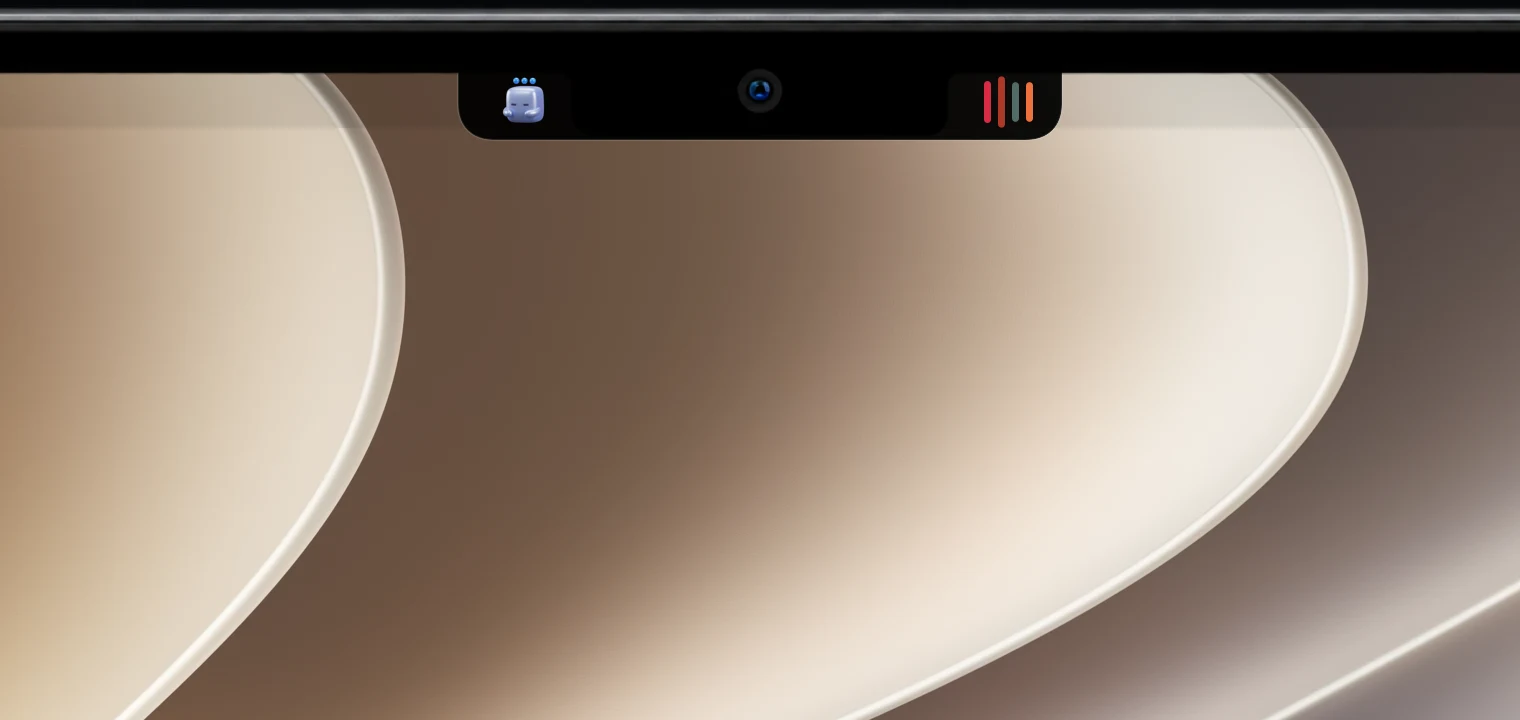
Claude Code and Codex on macOS
Simple Notch shows whether Claude Code or Codex is working, waiting on you, or finished, and how close you are to your usage limits. Stop checking the terminal every few minutes.
7-day free trial · No account needed · macOS 14 Sonoma or later
At a glance
The agent’s icon sits next to the camera while it runs. Glance up instead of checking the terminal.
A hand badge appears the moment Claude Code stops to ask before running a tool.
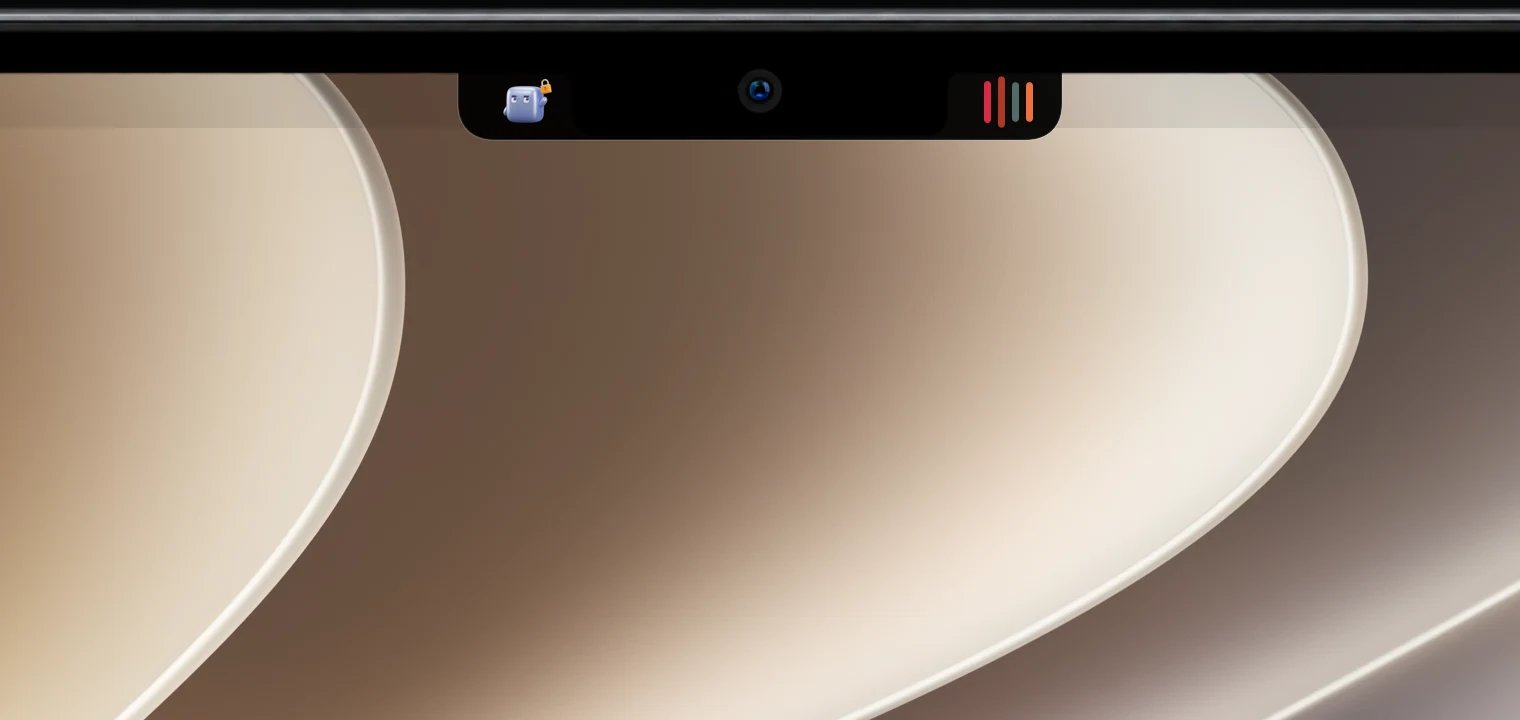
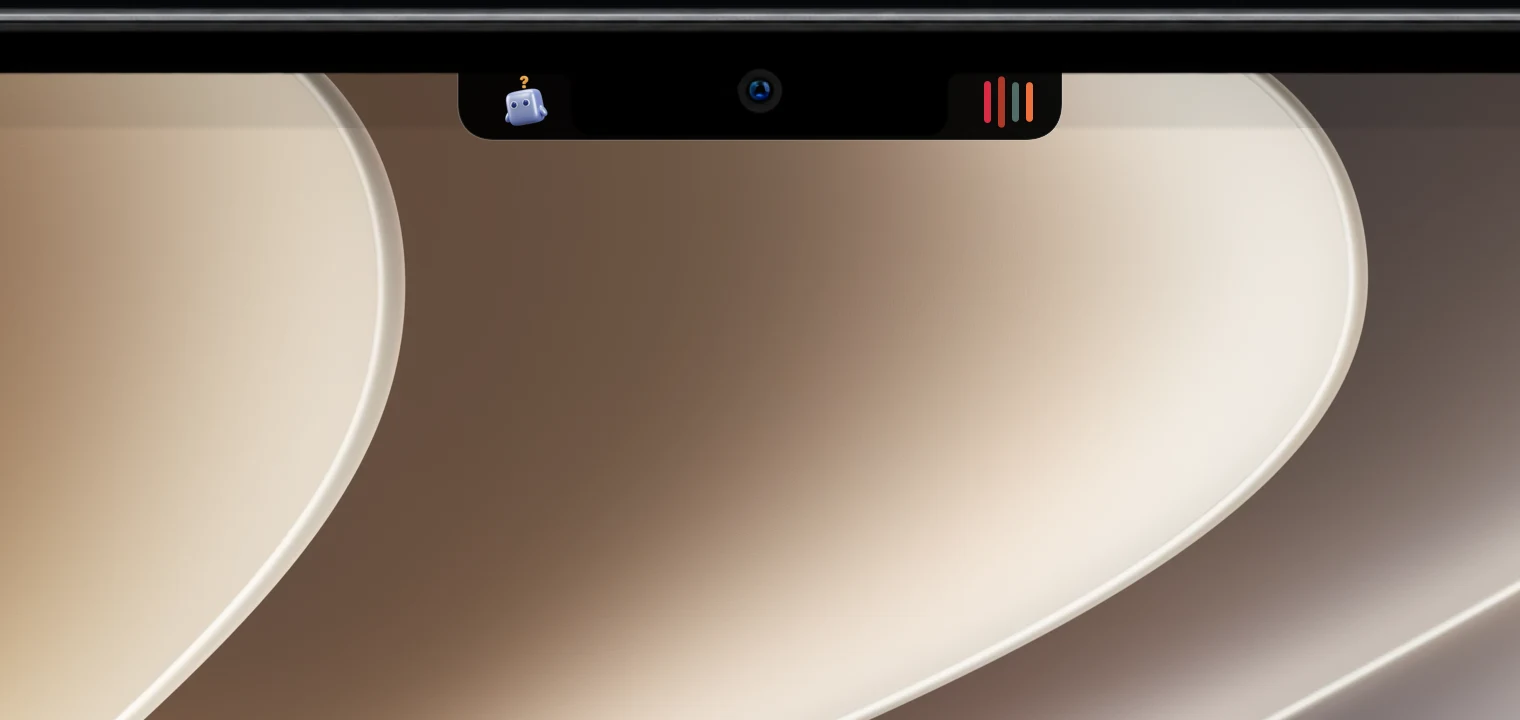
A question badge tells you the agent is waiting for an answer from you.
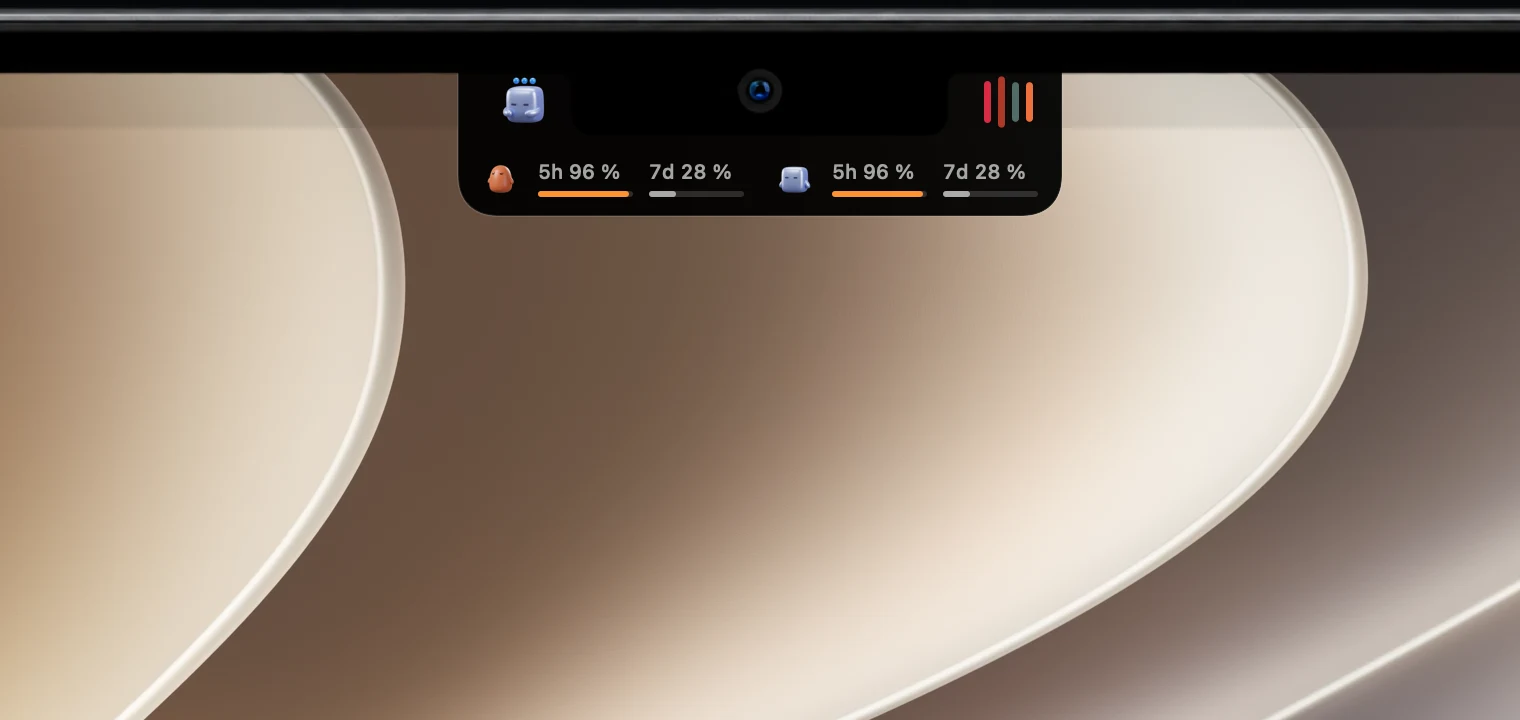
Open the drawer to see how much of your 5-hour and weekly windows you’ve used.
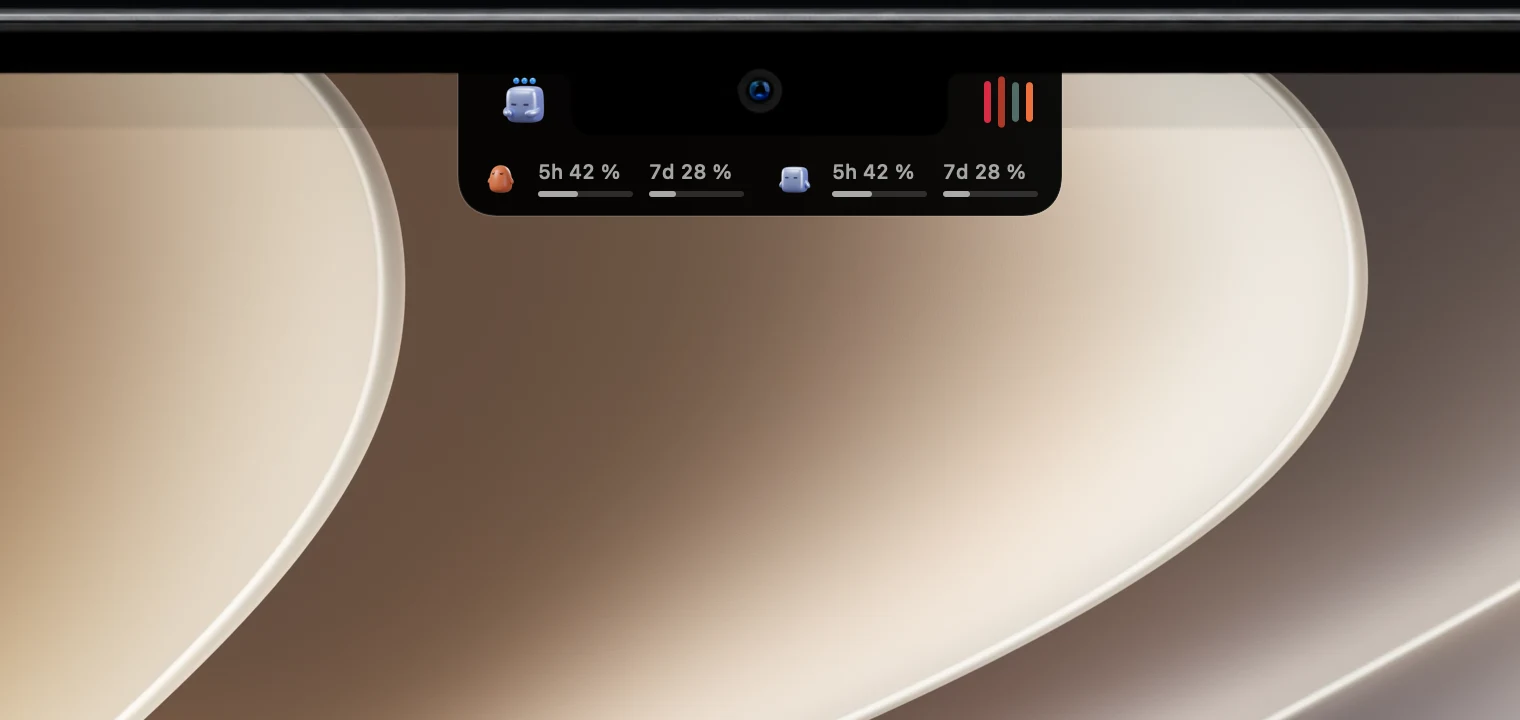
A warning color appears as you approach a limit, and failed runs are marked too. No notch? The same status shows in a floating pill on any display.
Setup
Built to be trusted with your tools
Claude Code hooks and status line input, and the Codex app’s own task and rate-limit data. No scraping.
The hook prints nothing and always succeeds, so your agent runs exactly as it would without Simple Notch.
Events are written to a local folder and read locally. Disconnect removes exactly what was added.
FAQ
Claude Code and the Codex desktop app. Claude Code reports its status through hooks you connect once in Settings. Codex desktop tasks appear automatically, with nothing to install.
Only when you click Connect. Simple Notch adds one hook command per event to ~/.claude/settings.json and keeps a backup of the original. Disconnect removes exactly those entries. If the file isn’t shaped as expected, Simple Notch leaves it untouched.
No. The hook script prints nothing and always exits successfully, so it can’t block or steer an agent. It only writes the event to a folder on your Mac for Simple Notch to read.
For Claude Code on Pro and Max plans, Simple Notch shows the 5-hour and weekly windows from sessions you run in the terminal, and your own status line keeps working as before. Sessions in the Claude desktop app don’t report limits. For Codex, it reads the rate limits from Codex itself. You get a warning as you approach a limit.
No. Agent events are written to a folder on your Mac and read locally. Simple Notch doesn’t send them anywhere.
No. On external displays and Macs without a notch, agent status shows up in a floating pill at the top of the screen.
Music, weather and your apps come with it. Every feature is free for 7 days.