License help
Activate Simple Notch
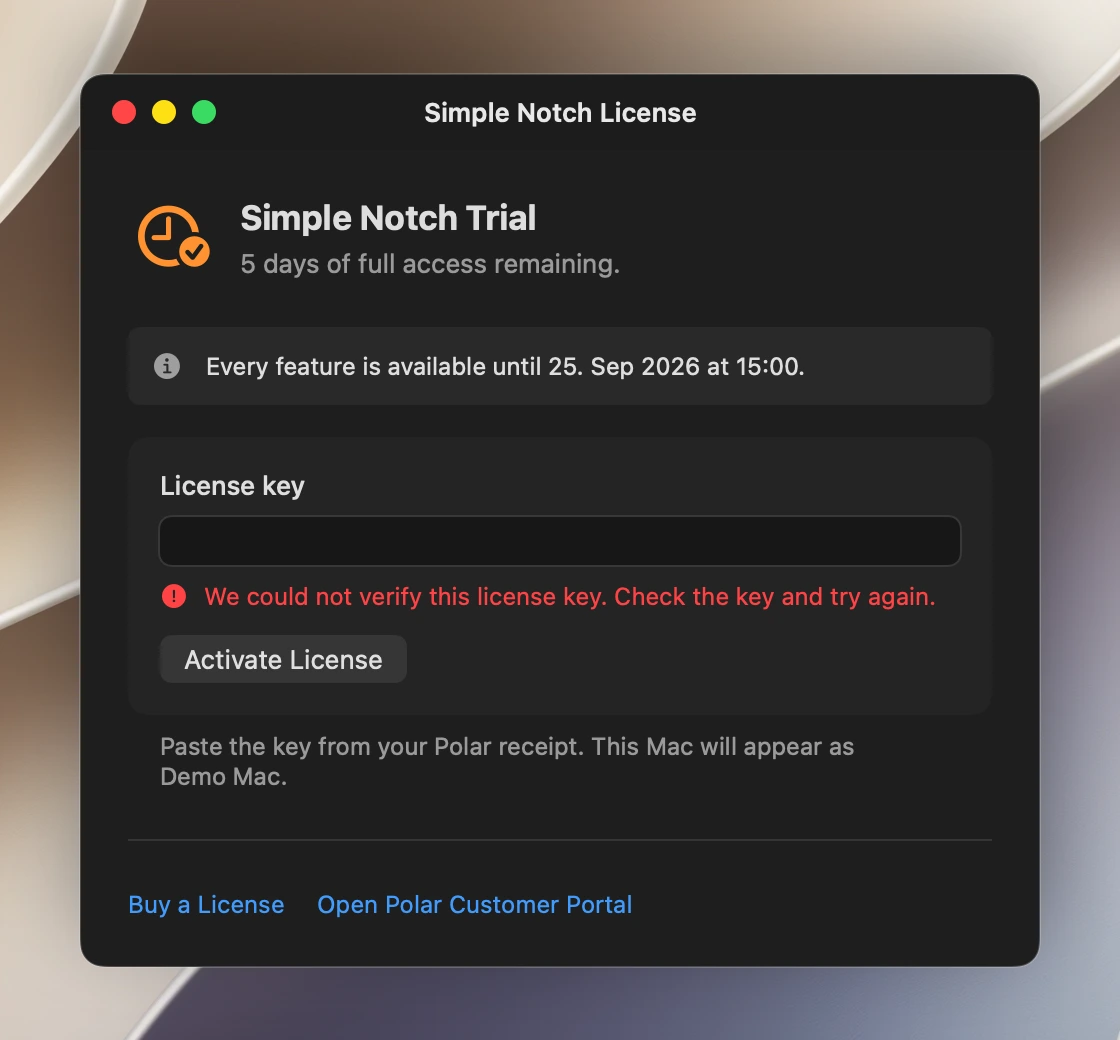
Copy your license key from Polar and paste it into the app. One key works on up to three Macs, and no account is needed.
After purchase
Activate without an account in the app
- 01Copy your key.Copy the license key from your Polar receipt or customer portal.
- 02Open Simple Notch.Choose Simple Notch → License… from the menu bar.
- 03Activate this Mac.Paste the key and choose Activate License. Either plan supports up to three Macs.
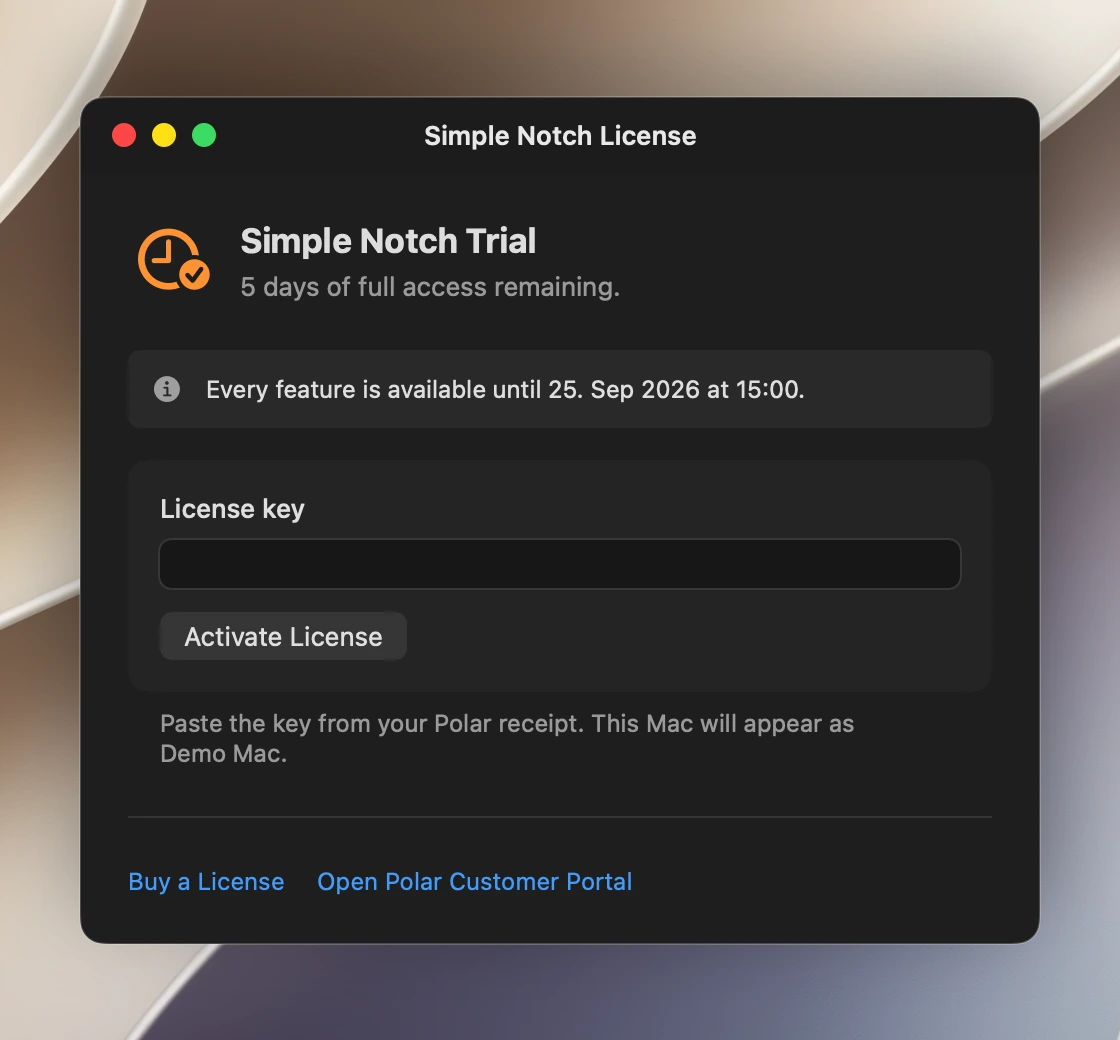
Paste your license key
Open License… from the Simple Notch menu, paste the full key into the License key field, then choose Activate License.
 View full size ↗
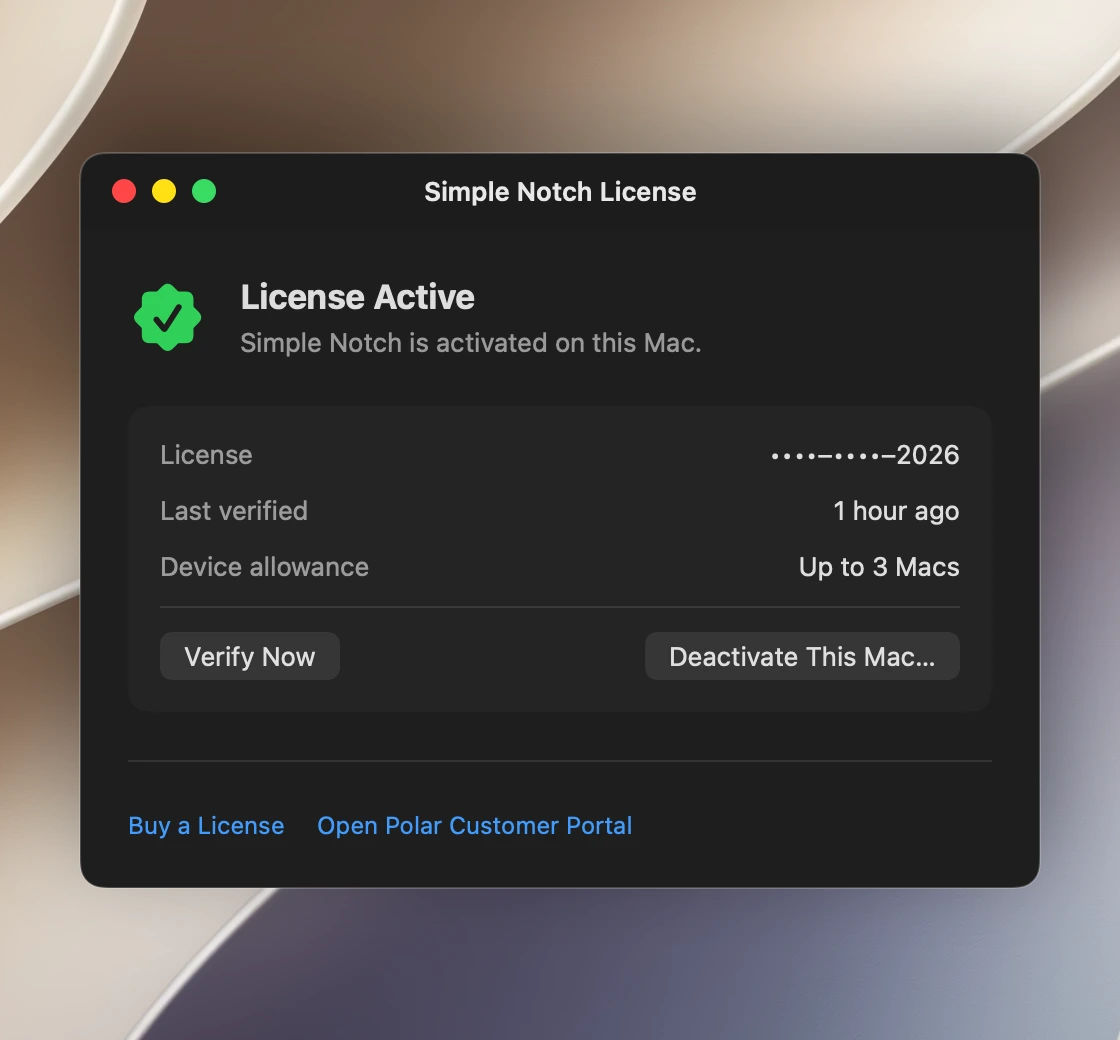
Look for License Active
This confirmation means activation succeeded on this Mac. You can also check the device allowance or deactivate this Mac here.
 View full size ↗
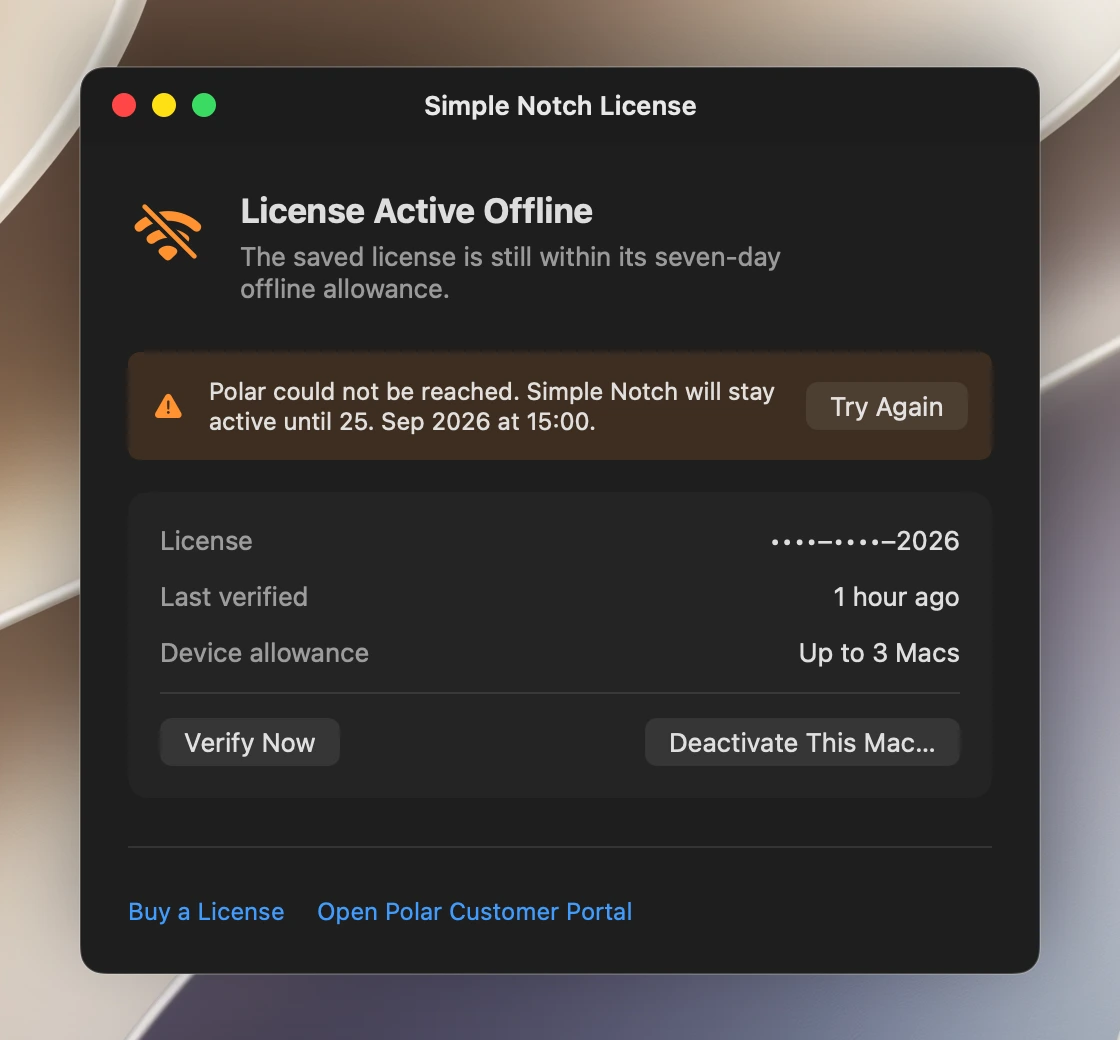
Example screens. Your dates and device name will differ.